Nannou とは
- Nannou は Rust のクリエイティブ・コーディング用ツールキット
- クリエイティブ・コーディングとは、プログラミングによりビジュアルアートやアニメーションなどのインタラクティブ創作を行う活動
- 名前は Aphex Twin のオルゴールをサンプリングした曲 Nannou より
sketch
nannou::sketch() を使うと最も簡単に結果を得ることができる。
背景色を青に描画するだけの例は以下。
use nannou::prelude::*;

fn main() {
    nannou::sketch(view).run();
}

fn view(app: &App, frame: Frame) {
    let draw = app.draw();
    draw.background().color(BLUE);
    draw.to_frame(app, &frame).unwrap();
}
app.draw() で draw::Draw を取得し、これに描画して Frame に渡す。
polyline
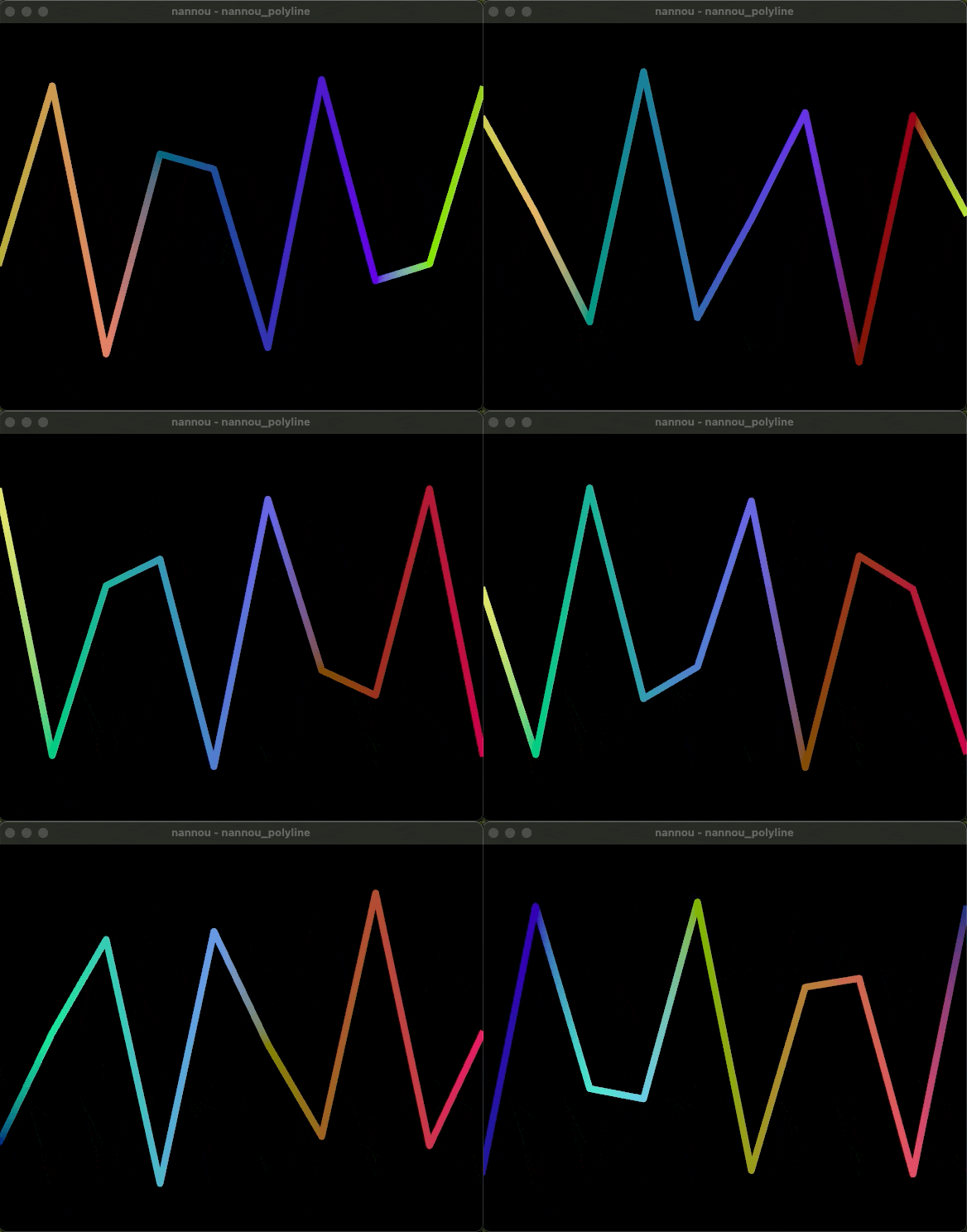
冒頭のアニメーションは、以下のコードによる。
use nannou::prelude::*;

fn main() {
    nannou::sketch(view).run()
}

fn view(app: &App, frame: Frame) {
    let draw = app.draw();
    draw.background().color(BLACK);

    let win = app.window_rect();
    let t = app.time;

    // Decide on a number of points and a weight.
    let n_points = 10;
    let weight = 8.0;
    let hz = ((app.mouse.x + win.right()) / win.w()).powi(4) * 1000.0;
    let vertices = (0..n_points)
        // A sine wave mapped to the range of the window.
        .map(|i| {
            let x = map_range(i, 0, n_points - 1, win.left(), win.right());
            let fract = i as f32 / n_points as f32;
            let amp = (t + fract * hz * TAU).sin();
            let y = map_range(amp, -1.0, 1.0, win.bottom() * 0.75, win.top() * 0.75);
            pt2(x, y)
        })
        .enumerate()
        // Colour each vertex uniquely based on its index.
        .map(|(i, p)| {
            let fract = i as f32 / n_points as f32;
            let r = (t + fract) % 1.0;
            let g = (t + 1.0 - fract) % 1.0;
            let b = (t + 0.5 + fract) % 1.0;
            let rgba = srgba(r, g, b, 1.0);
            (p, rgba)
        });

    // Draw the polyline as a stroked path.
    draw.polyline()
        .weight(weight)
        .join_round()
        .points_colored(vertices);

    draw.to_frame(app, &frame).unwrap();
}
draw.polyline() で計算した頂点を描画している。
App
App はよりきめ細やかな制御が必要な場合に利用する。
以下のような構成となる。
use nannou::prelude::*;

fn main() {
    nannou::app(model)          // Start building the app and specify our `model`
        .event(event)           // Specify that we want to handle app events with `event`
        .update(update)         // rather than `.event(event)`, now we only subscribe to updates
        .simple_window(view)    // Request a simple window to which we'll draw with `view`
        .run();
}

// the Model is where we define the state of our application.
struct Model {}

// The model function is run once at the beginning of the nannou app and produces a fresh,
// new instance of the Model that we declared previously, AKA the app state.
fn model(_app: &App) -> Model {
    Model {}
}

// The event function is some code that will run every time some kind of app event occurs.
fn event(_app: &App, _model: &mut Model, _event: Event) {
}
fn update(_app: &App, _model: &mut Model, _update: Update) {
}

// The view allows us to present the state of the model to a window by drawing to its Frame
// and returning the frame at the end.
fn view(_app: &App, _model: &Model, frame: Frame) {

    frame.clear(WHITE);

    // get canvas to draw on
    let draw = _app.draw();

    draw.text("Hello, World!").font_size(20).color(BLACK);
    draw.to_frame(_app, &frame).unwrap();
}
model() では、モデルを初期化する。アプリケーション開始時に一度だけ実行される。
event() は、マウス操作やキーボード操作などのイベント発生時に実行される。update() は一定時間経過の都度実行される(デフォルトで60fps)。
view() では、モデルの状態をウィンドウに描画する(ウインドウの中心が原点の座標系となっている)。
例えば以下の例では、ウインドウの中心に100x100の四角形を描画する。
draw.rect()
    .x_y(0.0, 0.0)
    .w_h(100.0, 100.0)
    .color(PLUM);
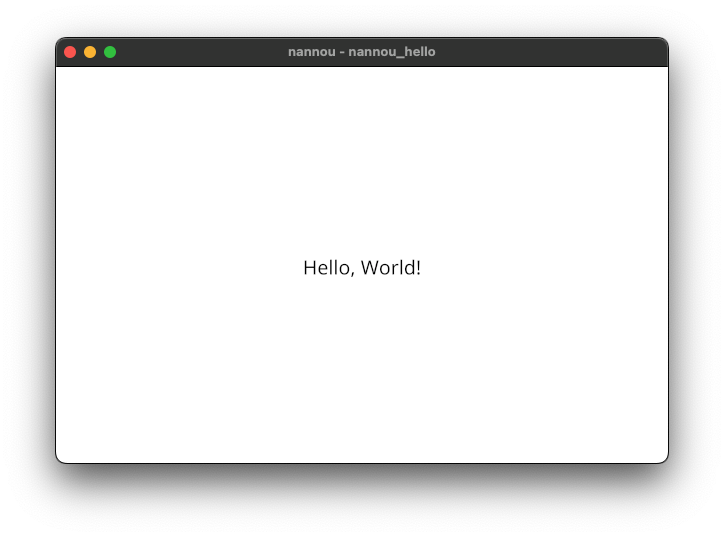
先のコードでは以下のようなウインドウが表示される。